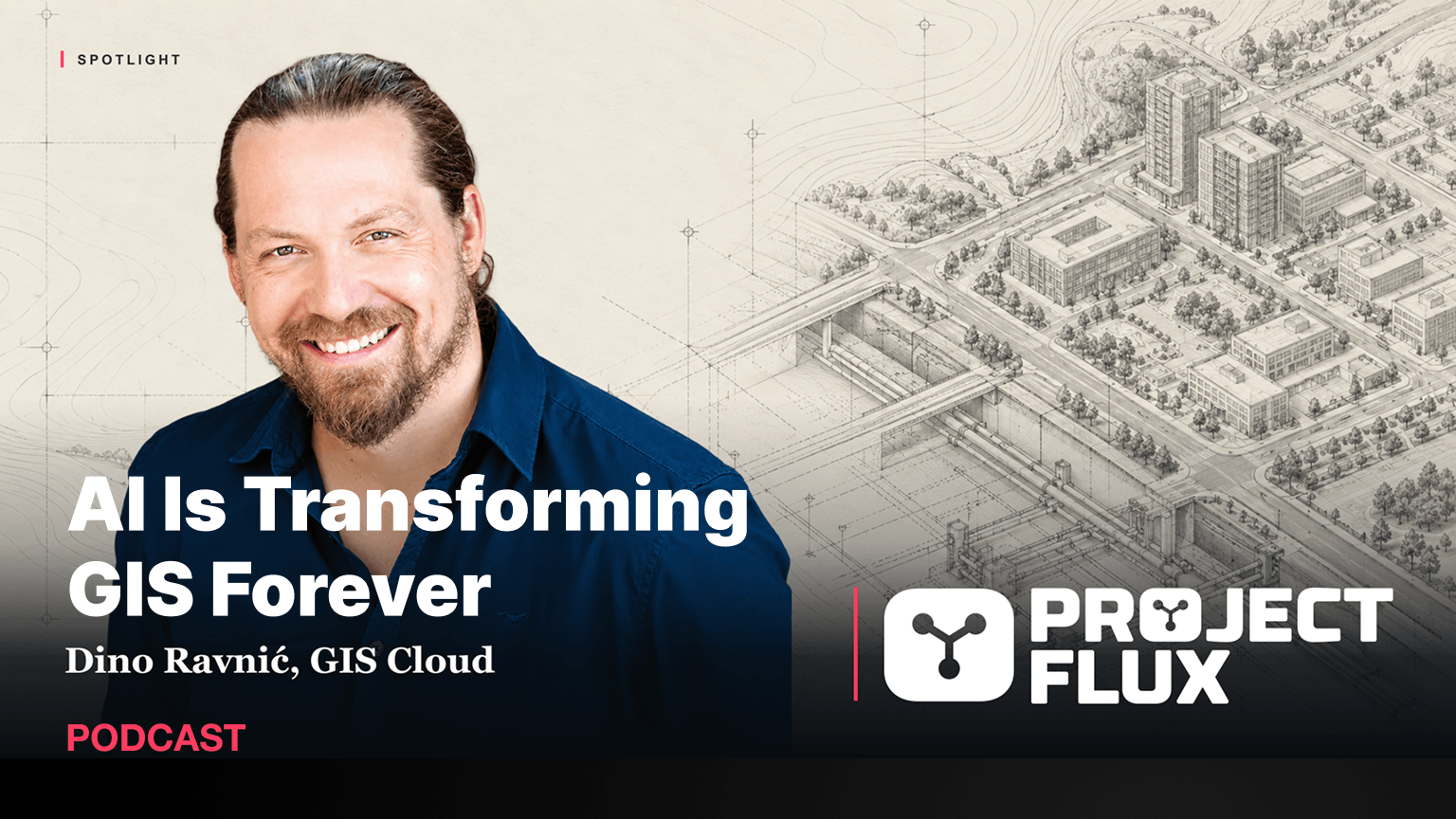
GIS used to be a tool you needed a degree to use. On the Project Flux Podcast, GIS Cloud co-founder and CEO Dino Ravnic explains why AI is the final step in opening it up, and why the line between what AI does and what the GIS does matters more than which model you use.
Project Flux hosts James Garner and Yoshi Soornack talk to the people shaping how projects are delivered with AI. In the episode, titled *Stop Making Decisions on Yesterday’s Map*, they asked Dino what GIS actually is, what a non-specialist can do with it today, how to stop AI from making things up, and what all of this means for GIS professionals.
From a ten-dollar domain to AI-native GIS
Dino is a developer at heart. He built and sold his first app at fifteen, on floppy disks sent by post. He co-founded GIS Cloud in Zagreb and registered giscloud.com for ten dollars in 2008, long before “GIS in the cloud” was a category.
The idea was the same then as it is now: GIS answers some of the most important questions an organisation can ask, but it was never built for everyone.
“GIS as a scientific tool was not built for everybody. You need to go to college to understand how to use it. The cloud was a very natural way of democratising it and making it accessible.”
GIS is Google Maps for your own data
Google Maps taught everyone how to read a map. GIS asks the same “where” questions, but about your own assets: where are my hydrants, which pipes are leaking, which traffic signs need repair.
“When you see a red area on a map, an issue is happening at that location. If you looked at a spreadsheet without that spatial context, you would not notice the pattern.”
What a non-specialist can do on day one
With GIS Cloud AI, or with GIS Cloud connected to ChatGPT or Claude, anyone can ask a question in plain language, for example which hydrants inspected yesterday need immediate attention, and where to send a repair team.
“Before AI, you would build a query, click through the UI, maybe write SQL. Today you leave that reasoning to AI. It understands how to use a platform like GIS Cloud to run the query for you, and then gives you the answer.”
AI also helps in the field: crews can fill in inspection forms from a photo or their voice. That makes non-specialists far more capable, and lets specialists do more with their time.
A map records a moment in time. Pipes leak, signs fail and inspections find new work, so the map is only as useful as the field data behind it. AI makes it easier for whole teams, not just the GIS specialist, to keep that data current and ask questions about it.
Let AI reason, not calculate
Asked how to trust answers from a technology known for hallucinations, Dino drew a clear line:
“GIS is a deterministic system, like a database or an API. Data, queries and calculations should stay in the deterministic system. AI should be used for what it’s best at: reasoning, choosing the best approach and calling the right tools.”
He shared a story from testing. A statistics question kept giving wrong answers with a smaller AI model and right answers with a larger one. The fix was not to pay for the bigger model. The calculation was happening inside the model, so the team moved it into GIS Cloud’s own API, and the smaller model worked as well.
“A stronger model can cover up the bug because it’s smarter. But it’s all statistics. Run it a hundred times and the stronger model will sometimes be wrong too.”
The same principle keeps costs down. Throw a dataset of a hundred thousand features straight into an AI chat and it will burn tokens trying to process every record. Give it the right tool, and it asks the API for a small subset and gets the answer for a fraction of the cost.
MCP: the integration software was always waiting for
GIS Cloud was one of the first GIS platforms with an MCP connector, and the first GIS app in ChatGPT. New users now find GIS Cloud by searching for “GIS” inside ChatGPT.
“MCPs are the ultimate integration we were looking for in software. All those islands of software are being pulled into answering your question.”
The GIS Cloud connector has 55 tools, and it can change data, not just read it. That’s why control is built in:
- AI proposes, you confirm. Any operation that changes data asks for confirmation first.
- You choose the tools. When you connect, you decide which tools AI can use on your account.
- Data owners set the rules. When you share data, you decide whether others can use it with AI read-only or also edit it.
“Especially with critical information like GIS, you as the data owner need to be in full control and feel good about what users or AI can do with your data.”
What changes for GIS specialists
Dino sees the same shift in GIS that developers are already living through: less doing, more supervising.
“Today a GIS specialist is often a bottleneck, because they can’t serve every internal user. If they enable more people to use the system, while staying in the control seat, the role still exists. The description of the role changes.”
Experts become the people who make sure AI is used properly, prompts work, and answers are right, which makes their experience more valuable, not less.
GIS, digital twins and physical AI
Asked how GIS connects to digital twins and world models, Dino described GIS as the system of record for physical assets. Whether the agent is software or a robot inspecting a hydrant, it needs a way to read the current status of that asset and update it, and MCP is that interface.
Many GIS deployments today are data silos. GIS Cloud sees itself as an AI layer on top of existing GIS, so organisations can open their data to AI gradually and safely, instead of staff copying data into chatbots on their own.
Listen to the full episode
The episode also covers AI costs and pricing (GIS Cloud treats AI like any other infrastructure cost, with predictable plans), GIS in retail and site planning, and Croatia’s growing tech scene.
Listen on Spotify · Project Flux Podcast
Offer for Project Flux listeners: sign up for GIS Cloud and email us to sales@giscloud.com with a specific word (mentioned in the podcast) in the subject of the email to get 90 days of full access, plus support from our team. The first 25 companies will receive a free 45-minute AI mapping setup session with us.
Want to see what AI can do with your own maps? Start a free trial or read GIS Cloud AI: The Complete Guide.